Last updated: November 19, 2026
Quick answer: use a three-part system for How to Set Up a Figma Naming Convention for Files, Pages, and Frames, and keep each name short enough to scan in under 5 seconds. That means one pattern for files, one for pages, and one for frames, with the same order every time.
Key Takeaways
- A Figma naming convention should let someone read a design file in under 5 seconds.
- Set one pattern for files, one for pages, and one for frames, then use each pattern the same way every time.
- Figma file names should show the project and whether the file is current.
- Figma page names should show the work area and design stage, not the whole project.
Messy Figma names make files hard to find, pages hard to trust, and frames hard to hand off. A good Figma naming convention gives every file, page, and frame one clear pattern, so the whole team can scan it fast. The sections below settle what to name, what to leave out, and how to keep the system from drifting. For broader setup guidance, see the Figma for Product Teams — The Complete Guide hub.
What should a Figma naming convention do?
A Figma naming convention should make a design file readable in under 5 seconds. It should tell you what the file is, where the page belongs, and what the frame contains without forcing a click into every layer.
Since the goal is speed, the naming system needs to reduce scanning time, not add another step. It should work in the left panel, where people look first.
Picture this: you open a team file with 30 pages, 12 frames, and three people editing at once. You need the right screen in seconds, not after a hunt through vague labels and “final-final” copies. That is what file, page, and frame names have to prevent.
A useful convention can do three things:
- keep names short enough to scan in the left panel
- make similar items sort next to each other
- give the whole team the same naming habit, even when several people touch the same file
The naming system should be boring on purpose. A pattern like Product — Area — Stage usually works better than a dozen personal styles, because boring scales and clever breaks under handoff.
For a practical naming reference, Figma’s own help docs on organizing files and pages are a good starting point: Figma Help Center.
Not glamorous.
If you already have a broader system for Figma across the team, this page fits inside the larger Figma for Product Teams — The Complete Guide hub.
How do you set up a Figma naming convention step by step?
You set it up by choosing one pattern for files, one for pages, and one for frames, then applying each pattern the same way every time. That gives you a repeatable system instead of a pile of names that only make sense to the person who typed them.
Because the structure comes first, the names stay useful six months from now. The trick is to decide the pattern before the file fills up with work, not after the left panel turns into noise.
- Pick the unit each name must describe. Decide whether the name should show product area, stage, screen type, or version marker. Keep the list to 2–4 fields; more than that gets hard to scan.
- Set one order and keep it fixed. Put the most useful field first, usually the product or area, then the stage or screen, then the version marker if you need one.
- Use the same separator everywhere. A dash, slash, or vertical bar is fine if the team uses it every time. Mixed separators make sorting look random.
- Write names that survive sorting. Use words that still work when frames are grouped alphabetically. Short, plain labels beat internal jargon.
- Document one example for each level. A single file example, one page example, and one frame example is enough to show the pattern.
- Add a cleanup rule. When a new page or frame gets renamed, the old label should be removed right away. Leaving both names around creates duplicate meaning.
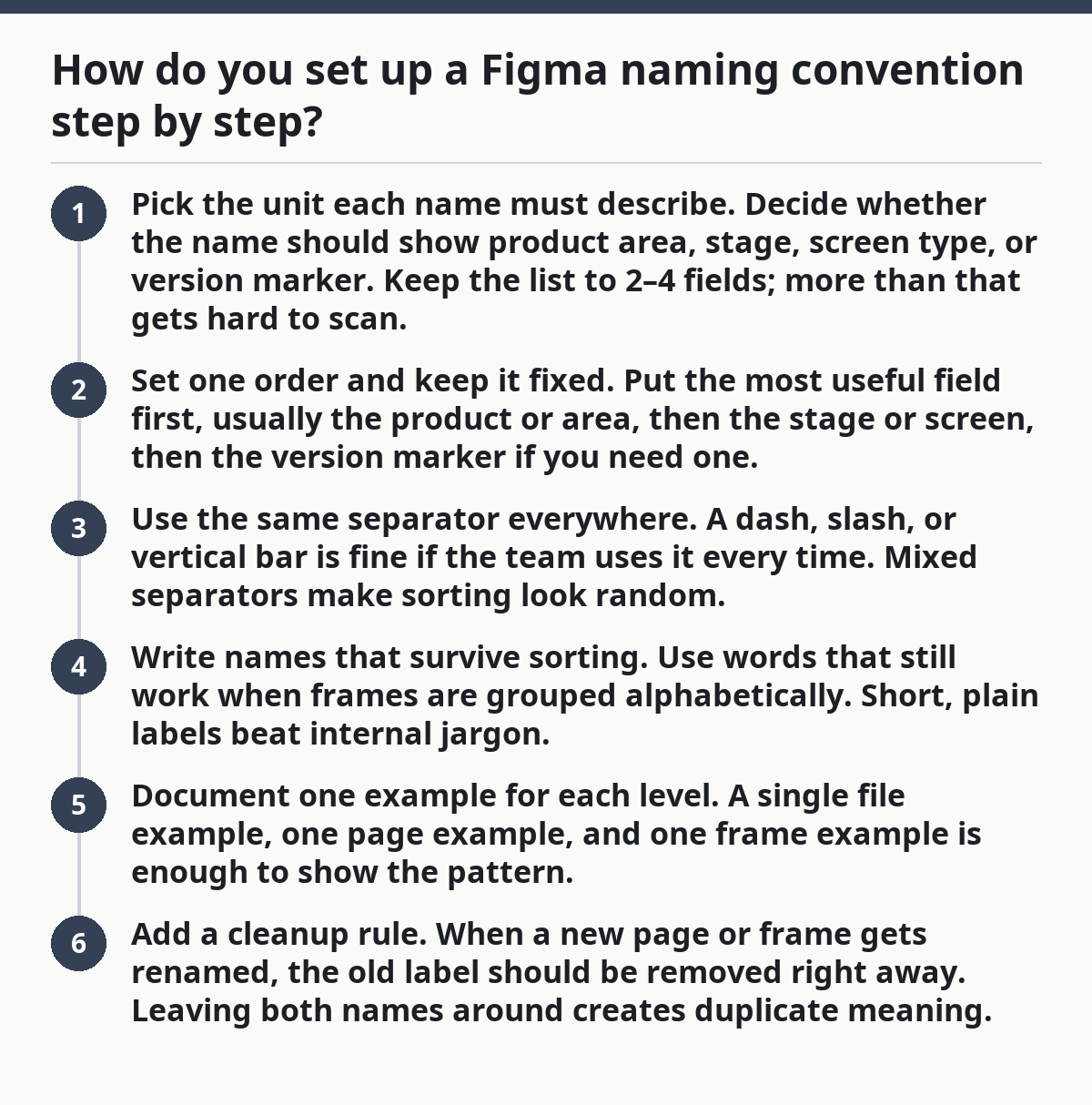
The result should be a system that a new designer can follow without asking for translation. If you need a legend to decode the name, the naming convention is too busy.
A simple naming pattern you can copy
Use this shape for each level:
- Files:
Product / Project / Version - Pages:
Area / Flow / Stage - Frames:
Screen / State / Variant
That pattern is only a starting point, but it gives the team a repeatable 3-part structure. If your work is smaller, drop the version marker from files first. If your work is larger, keep the order and add a section label, not a longer sentence.
How should you name Figma files?
Figma file names should tell the team what project the file belongs to and whether it is current. That usually means a short title, a project or product name, and a version marker when the file is part of a changing workflow.
Because file names sit at the top of the system, they should answer the biggest question first. Which file is the live one?
Picture this: someone searches the file list for the current design source and sees Homepage, Homepage copy, and Homepage final 2. None of those tell them which one matters right now. A file name has to answer that question before the file opens.
A clean file name usually includes:
- the product or project name
- the feature, area, or initiative
- a status or version marker if needed
Use version markers only when they add real value. v1, v2, or draft can help when several file copies exist, but they can also turn into clutter if every minor tweak gets a new file. If the file is the live working source, the name can stay stable and the version can live in the file’s history instead.
Good file names are often 3 to 5 words long. That is enough to identify the file without turning the file browser into a paragraph. Shorter is better if the project is small. Longer only works when every extra word changes the meaning.
For a team reference on file organization, the Figma Help Center is the most direct source. For related workflow naming, see design handoff best practices and design system documentation.
Here are some file-name patterns that hold up:
Checkout / Redesign / v1Mobile App / Onboarding / DraftBilling / Q3 Planning / Current
Bad file names usually fail in one of three ways:
- they describe a feeling instead of the work
- they hide the project name
- they use “final” as a substitute for structure
final, final2, and new final are not naming conventions. They are evidence that the convention is missing.
Bad sign.
What should Figma page names include?
Figma page names should include the area of work and the stage of the design, not a full explanation of the entire project. A page is the right place for a map-like label, because the page list should help you jump to the right section fast.
Once the file name is clear, the page name can narrow the focus to one part of the work. That keeps the sidebar readable without turning every page into a summary.
Picture this: you open a file with pages called “Design,” “Stuff,” and “Other ideas.” You now have to inspect each one to know where production work lives and where sketchy options ended up. Page names should remove that guesswork in one glance.
Use page names for:
- product area, such as search, billing, or settings
- workflow stage, such as exploration, production, or handoff
- grouped content, such as flows, reviews, or archived work
A page name should not try to do the work of a whole file structure. That is where teams go wrong. They pack every detail into the page title, then wonder why nobody can remember it. Keep page names specific, but not crowded.
A practical rule is to keep page names to 2–4 words. That is enough for a meaningful label and still short enough to scan in the sidebar. If two page names start to look alike, add one word that separates them clearly, like Exploration versus Production.
Good examples:
Checkout / ProductionAccount / ExplorationArchived / Q1Payments / Handoff
Avoid page names that repeat the file name word for word. If the file already says Billing, the page does not need to say Billing three more times unless that repetition solves a sorting problem.
It usually does not.
What should Figma frame names include?
Figma frame names should include the screen purpose, the state, and any meaningful variant. A frame name should help a teammate know what they are looking at without opening the frame or reading the content on the canvas.
Because frames are the most detailed level here, they need the most specific label. That way the handoff stays readable even when there are several versions of the same screen.
Picture this: you are handing off a flow and the frames all say Desktop, Desktop 2, and Desktop copy. That tells nobody which screen is the login state, which is the error state, or which one belongs in the handoff. Frame names need a job, not just a label.
A frame name often works best with a three-part pattern:
- screen or feature name
- state or step
- platform or variant
Examples:
Signup / Step 1 / DesktopCheckout / Error / MobileSettings / Empty / Tablet
Use the same naming logic across a set of related frames. If one frame uses Error, the other should not use Failed for the same idea unless your team has decided those are different states. Mixed terms make search and sorting weaker.
Section labels can help too. If a canvas has many frames, place them inside sections named by flow or task. A section can say Payments flow while the frames inside keep the finer labels. That gives you one more layer of structure without bloating every frame name.
Frame names should also avoid layout words that do not matter. Frame 1, Artboard, and New do not explain the screen. If the frame is part of a handoff, the name should survive export, comments, and cross-team review.
Should section labels follow the same pattern?
Section labels should follow the same pattern only when they are used as real navigation, not as casual dividers. If a section is just a visual divider for one designer, the label can stay simple. If several people use it, the label needs the same discipline as a page or frame.
Because sections often sit between pages and frames, they work best when they echo the same vocabulary. That keeps the whole file easier to read.
Picture this: you inherit a file where sections read nice ideas, stuff to fix, and maybe later. Those labels may feel obvious to the person who wrote them, but they do not support another designer at 4 p.m. on a deadline. Section names need to sort work, not mood.
Use section labels when they help answer one of these questions:
- what flow is this?
- what stage is this?
- what belongs together?
A strong section label is often 2–3 words and tied to the same vocabulary used in file and page names. If your file uses Checkout, the section should not suddenly switch to Cart flow unless that is a different scope. Consistency matters more than variety.
Section labels are also the right place to add a small version marker when needed, such as v1 or v2. That works better than burying versions in every frame name. Keep the marker out of the rest of the label unless it truly changes the meaning.
The point is simple: a section label should help the sidebar and canvas speak the same language. If the label only makes sense after an explanation, it is not doing its job.
How do teams avoid naming conflicts in Figma?
Teams avoid naming conflicts by defining one source of truth, one owner for naming changes, and one short list of allowed terms. Without those three pieces, every person slowly invents a private version of the system.
That matters most once a file has multiple contributors. The more people touch it, the more useful the rules become.
Picture this: three designers rename the same flow in three different ways during a busy week. One uses product language, one uses team slang, and one uses a date stamp. The file still opens, but nobody can tell which label is supposed to win.
A simple conflict rule helps:
- Choose one vocabulary list. Decide on approved names for common states, screens, and stages.
- Pick one owner for structural changes. The owner does not need to rename every frame, but they should approve changes to the pattern.
- Review names during handoff. A quick pass before sharing the file catches drift early.
- Avoid duplicate meanings. If two labels point to the same thing, choose one and delete the other.
- Treat renames as cleanup, not decoration. If a label changes, update the related file, page, or section at the same time. If the change affects process or ownership, consult a design lead or product designer before renaming; see design handoff best practices for a safer workflow.
This is where many teams get stuck: they think naming is a style choice. It is not. It is a coordination tool. The better the naming rules, the less time people spend guessing what a file contains.
One more thing: do not let every page name become a miniature meeting note. A naming convention should not carry process history, task status, and owner names all at once. That turns the sidebar into clutter.
Too much.
What does a good naming convention look like in practice?
A good naming convention looks short, repeatable, and predictable across every level of the file. The same few words should mean the same thing in files, pages, frames, and sections, even when a project grows past its first draft.
Once the pattern is in place, the names should stay stable enough that people can trust them later. That is the point of the system.
Picture this: you open a file six weeks later and can still tell what belongs where without reading every frame. That is the real test. If the names still work when memory fades, the system is doing its job.
A practical example:
- File:
Billing / Redesign / v1 - Pages:
Billing / Exploration,Billing / Production,Billing / Archived - Sections:
Invoice flow,Payment errors,Receipts - Frames:
Invoice / Empty,Invoice / Filled,Payment / Error / Mobile
The pattern stays visible across all four levels. The names do not repeat the same word too many times, but they still keep the same shape. That makes the file easier to scan and easier to sort.
A naming convention does not need to be perfect on day one. It needs to be clear enough that the team can keep using it. If people can guess the next name before it is typed, the system is working. If every new item starts a naming debate, the system is too loose.
Simple systems are usually easier to maintain than fancy ones, but the best choice is the one your team can keep using without drift. They ask for less memory, less interpretation, and fewer cleanup passes later. That is why a simple convention beats a fancy one almost every time.
FAQ
How do you name Figma pages consistently?
Use the same order and the same words every time. A page name should usually show the area and the stage, such as Payments / Production or Settings / Exploration, so the page list stays easy to scan.
What should Figma frame names include?
A frame name should include the screen, the state, and any useful variant. Checkout / Error / Mobile tells the team more than Checkout 2, and it still works when several related frames sit side by side.
How do teams avoid naming conflicts in Figma?
Teams avoid conflicts by agreeing on one naming pattern and one vocabulary list. They also need one person or small group to approve changes, so a rename does not create a second version of the same idea in the file.
How do you know if a naming convention is too complicated?
It is too complicated if people need a guide to guess a name.
Drafted with AI; not yet reviewed by a person.