Skip to content

UI Dynamic

Dynamic Interfaces, Smarter Digital Experiences

  • Home
  • Motion Design for Interfaces

Category: Motion Design for Interfaces

How to Choose the Right Animation Type for UI Feedback
  • Motion Design for Interfaces

How to Choose the Right Animation Type for UI Feedback

  • Admin
  • November 19, 2026

Choose the animation type by user job, not by style. In How to Choose the Right Animation Type for UI Feedback , the usual split is microinteraction…
Motion Design for Interfaces — The Complete Guide
  • Motion Design for Interfaces

Motion Design for Interfaces — The Complete Guide

  • Admin
  • November 19, 2026

Interface motion is usually strongest when it stays short, clear, and tied to a real user action, often in the 100–300 ms range. Motion design for…

How to Pick Animation Durations for Common UI Actions
  • Motion Design for Interfaces

How to Pick Animation Durations for Common UI Actions

  • Admin
  • November 19, 2026

How to Pick Animation Durations for Common UI Actions: Picking Animation Duration for UI actions is mostly a timing problem, not a taste problem. Use…
How to Use Motion to Explain Navigation Changes
  • Motion Design for Interfaces

How to Use Motion to Explain Navigation Changes

  • Admin
  • November 19, 2026

In How to Use Motion to Explain Navigation Changes , the goal is to help users understand what changed, where they are, and what stayed stable with motion…
How to Build Motion Rules for a Design System
  • Motion Design for Interfaces

How to Build Motion Rules for a Design System

  • Admin
  • November 19, 2026

How to Build Motion Rules for a Design System: To build motion rules for a design system, define the few shared behaviors that repeat across products…

How to Animate Form Validation Without Distracting Users
  • Motion Design for Interfaces

How to Animate Form Validation Without Distracting Users

  • Admin
  • November 19, 2026

How to Animate Form Validation Without Distracting Users: Form Validation Animation works best when it confirms what changed, then gets out of the way.…
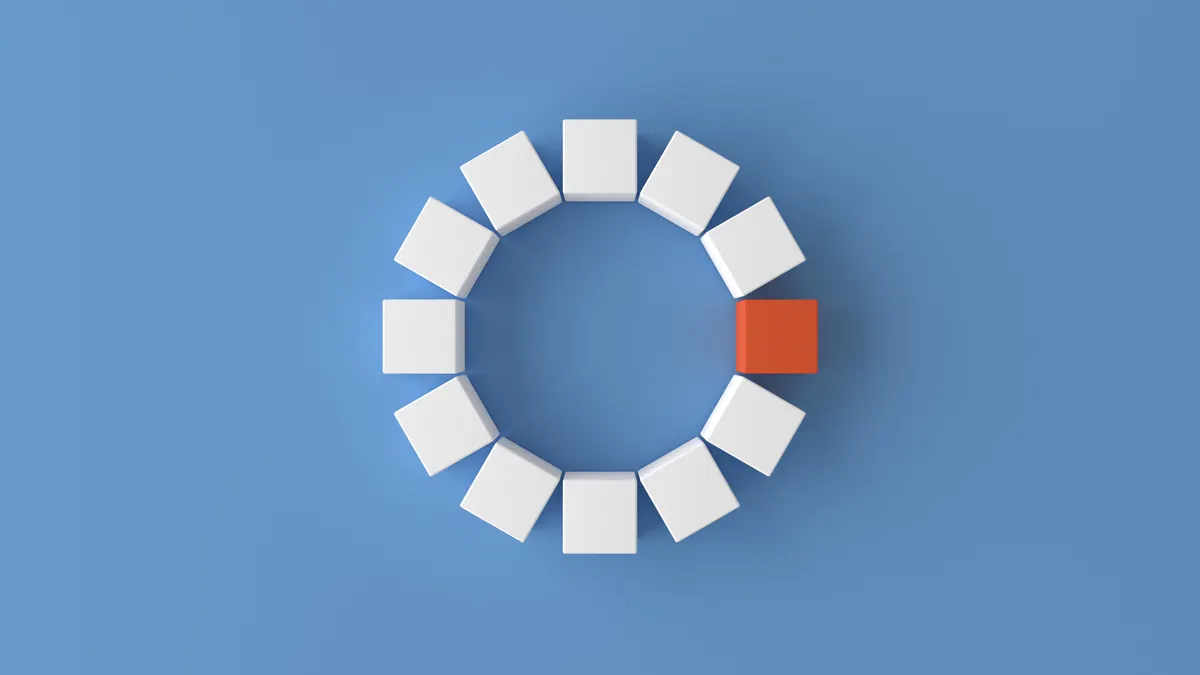
How to Design Loading States That Set the Right Expectation
  • Motion Design for Interfaces

How to Design Loading States That Set the Right Expectation

  • Admin
  • November 19, 2026

Loading states should tell people two things fast: that the app has not frozen, and what kind of wait they are in for. In How to Design Loading States…

Archives

  • November 2026
  • October 2026
  • August 2026

Categories

  • AEO
  • Component Libraries
  • Design handoff and collaboration for product teams
  • Design System Components and Foundation
  • Design system components and UI patterns
  • Design system governance and operations
  • Design System Operations
  • Design token systems for product interfaces
  • Design tokens and theming
  • Design tokens implementation and governance
  • Figma component and file architecture
  • Figma component architecture for product UI
  • Figma design workflows
  • Figma for Product Teams
  • Figma governance and workflow operations
  • Figma systems for product teams
  • Figma Templates & Resources
  • Figma Workflow Automation
  • Figma workflow systems for product teams
  • Motion Design for Interfaces
  • Responsive product UI foundations
  • Responsive UI systems
  • Responsive UI systems and layout foundations
  • UI animation inspiration and patterns
  • UI design system components and workflow
  • UI Dynamic
  • UI Kits
  • UI motion and interaction
  • UI/UX Design Fundamentals
Copyright © 2026 UI Dynamic Theme: Raw News By Adore Themes.