
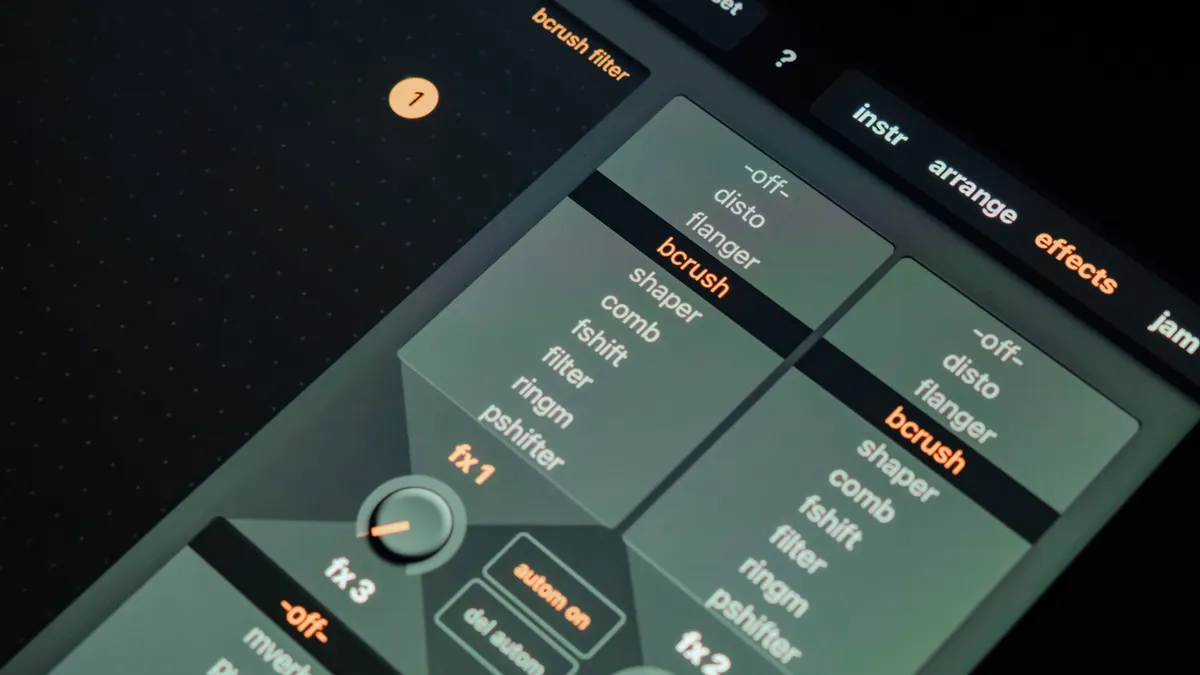
UI design system components and workflow — The Complete Guide: A UI Design System Components and Workflow guide is the shared set of components, rules…

UI Animation Inspiration and Patterns: The Complete Guide
UI animation works best when it guides attention, confirms action, and makes state changes easier to understand. In this guide to UI animation inspiration…

UI Design System: The Complete Guide
UI design system: the complete guide: A UI design system is a repeatable operating model for product interfaces, and a small first release can focus on 10…

Motion Design Basics for Product Teams
Motion design basics for product teams are a practical way to use movement to explain what changed, what matters, and what happens next in an interface.…

Empty state animation ideas for apps and dashboards
3 things make empty state animation ideas for apps and dashboards effective: a clear next step, a motion duration of about 1–3 seconds, and one primary…
Easing Curves Explained for UI Motion
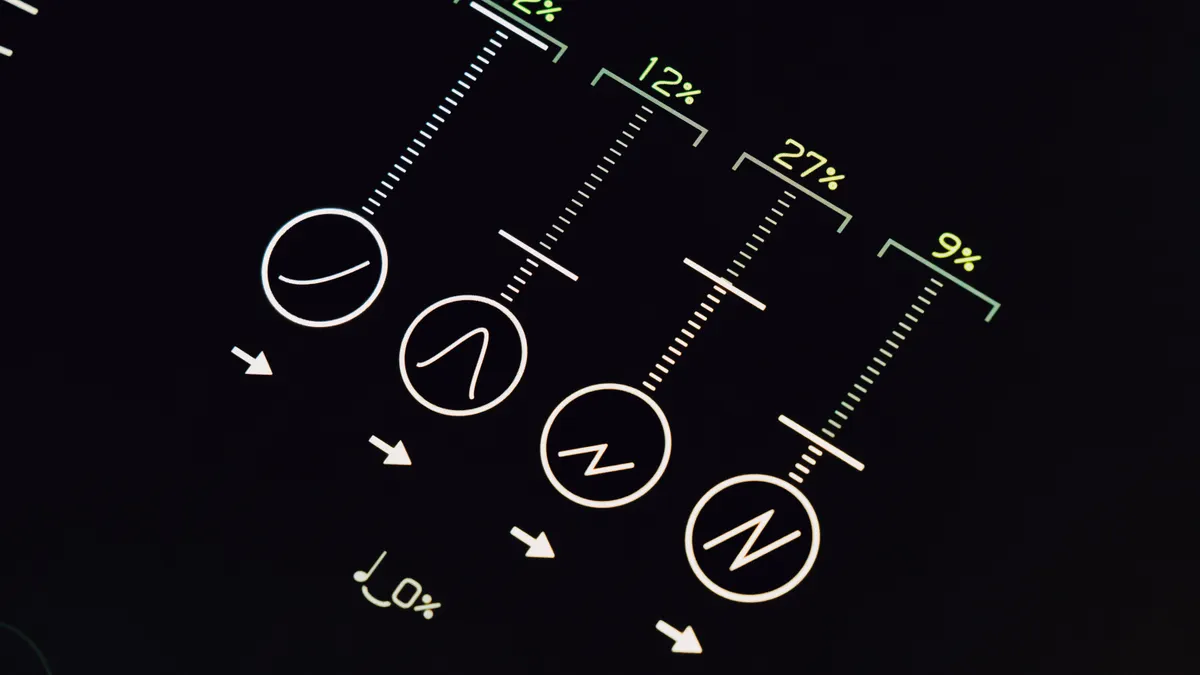
Easing curves explain UI motion by changing how it feels, not just how long it lasts. In Easing curves explained for UI motion, a 300 ms move can feel…
How to Name Design System Components
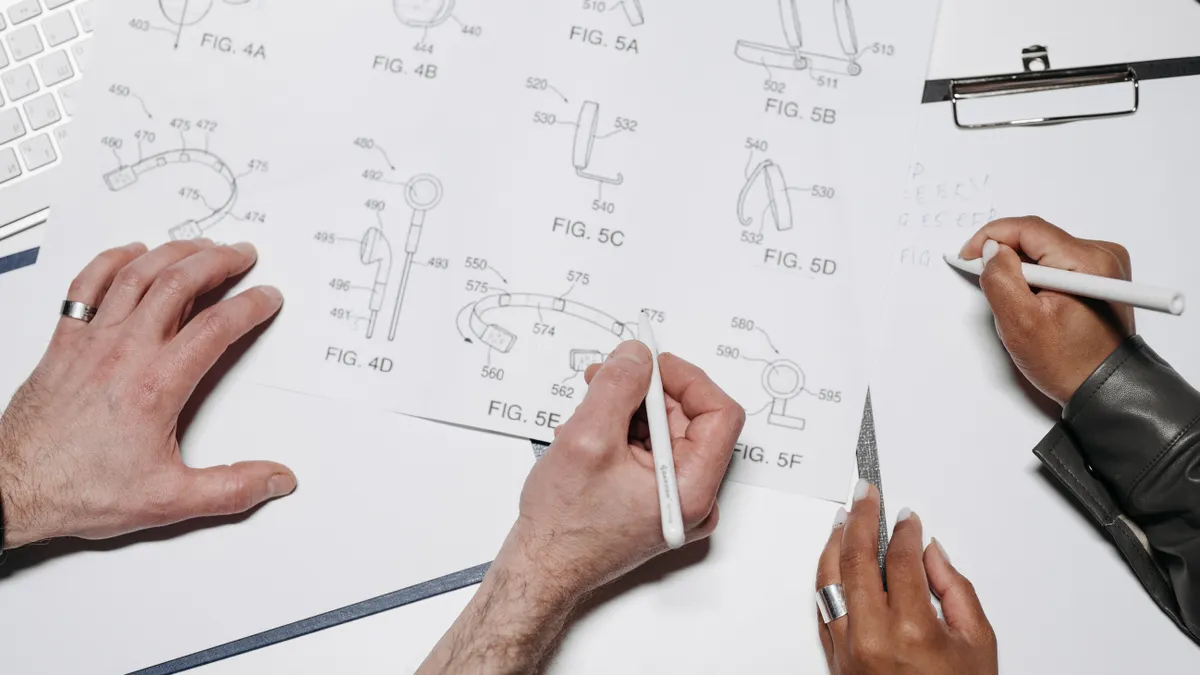
Use one naming convention, one fixed order, and one shared glossary so designers and developers can find the same component in under 10 seconds. This…

How to Document Design System Decisions in a Lightweight Spec
A lightweight design system specification document should record 4 things: the decision, the reason, the scope, and one example. In How to Document Design…

How to Set Up a Figma File Status Flow for Review, Approved
A Figma file status flow usually works with 3 clear labels—review, approved, and archived—plus one simple move rule for active work. In How to Set Up a…
How to Set Up a Figma File Access Model
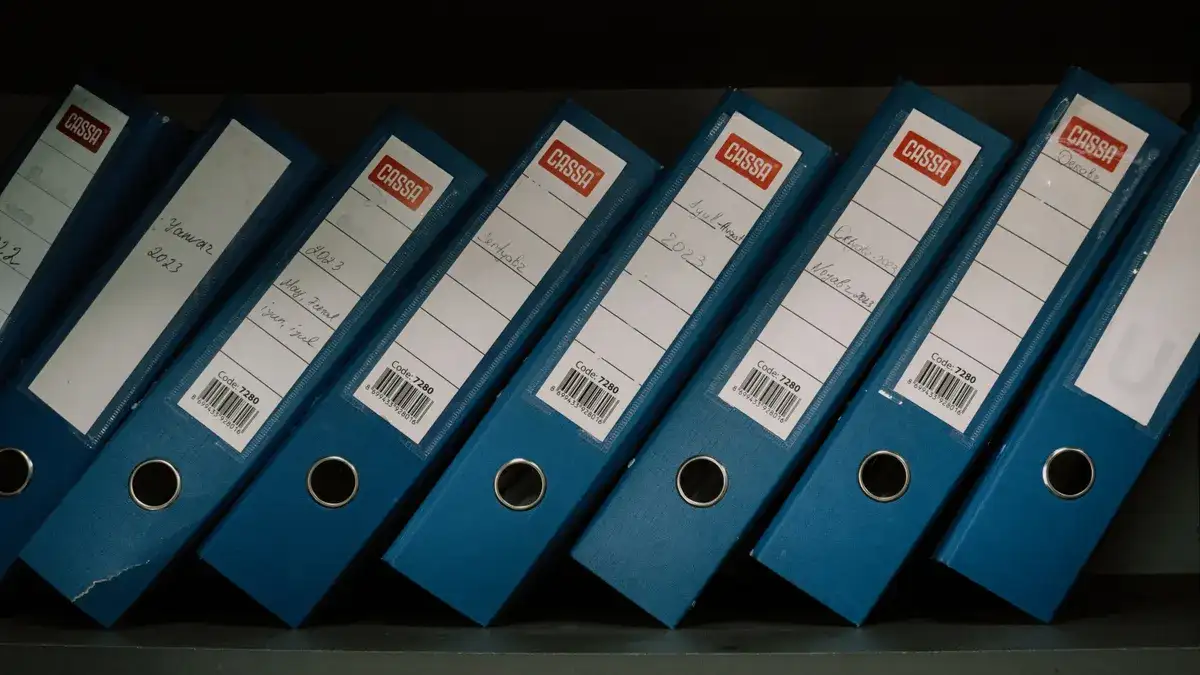
How to Set Up a Figma File Access Model for Cross-Functional Teams: A good Figma file access model gives the right people view access or edit access…