Last updated: November 19, 2026
Quick answer: a well-run Figma review loop can move a design from request to approval in as few as 5 steps: request, comment, resolve, record, and approve. This article explains How to Create a Figma Review Loop for Faster Approvals by using named reviewers, fixed review stages, and a clear handoff path. The steps below show how to set it up in Figma, Slack, Notion, and Jira.
Key Takeaways
- A review loop works best when one person owns approval for each stage.
- Figma comments should be triaged, not left to drift across channels.
- A clear “approved” bar stops teams from reopening the same layout three times.
- Notion and Jira help when decisions need a record outside the file.
- Fast approvals come from fewer reviewers, tighter rounds, and a fixed cadence.
What a Figma review loop needs before you start

A strong loop starts with four things: named reviewers, review stages, approval rules, and a place to log decisions. If one of those is missing, feedback turns into a pile of opinions instead of a decision path.
Picture this: you’ve shared a Figma file, and five people all have thoughts. The designer wants visual polish, the PM wants scope control, the engineer wants buildability, and no one knows who gives the final yes. That is where the loop breaks. The fix is to define the route before the file goes out.
Before you start, note that 1 owner per stage keeps the process moving. One person can approve concept, one can approve detail, and one can sign off at the end.
Use this setup first:
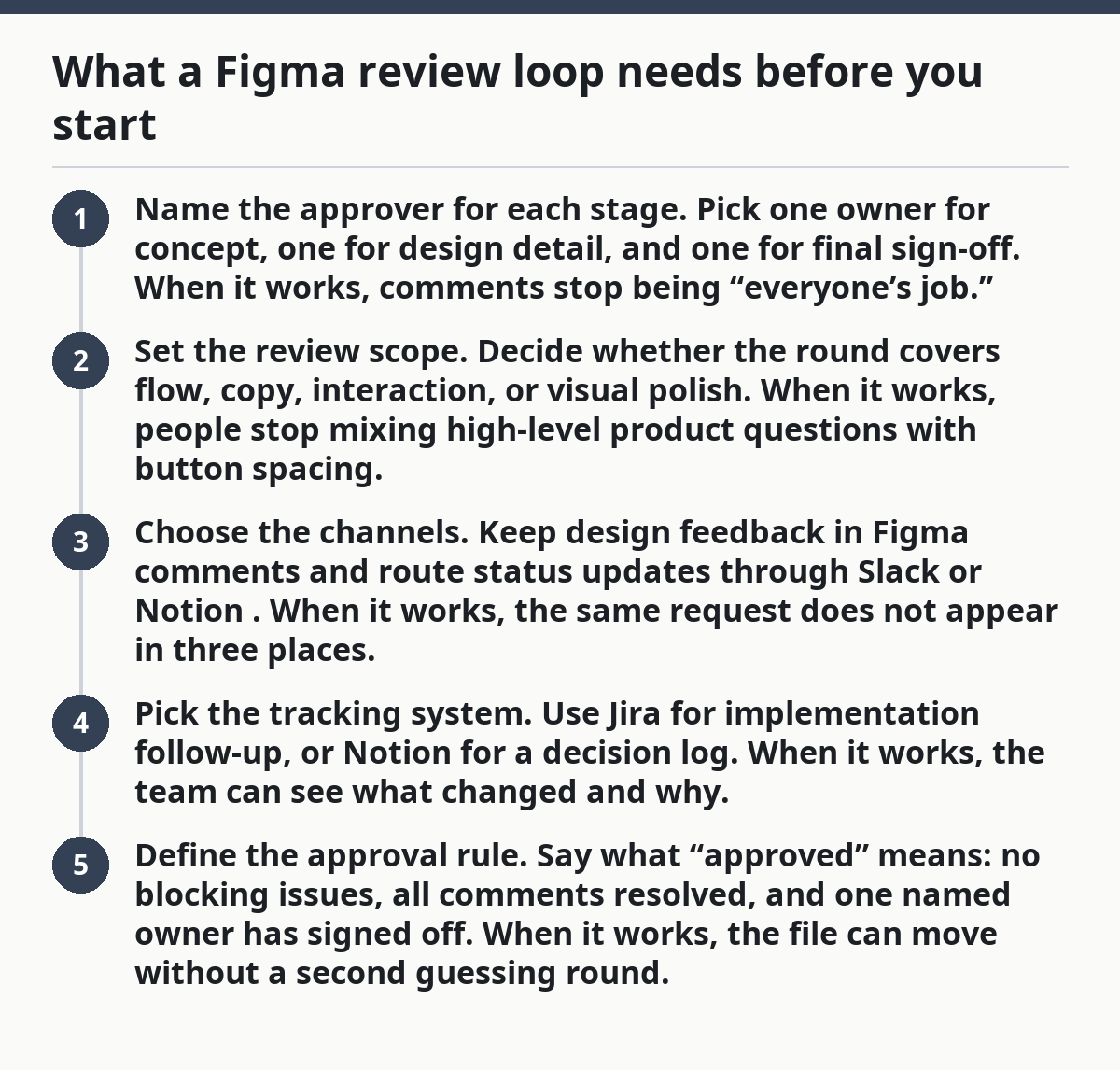
- Name the approver for each stage. Pick one owner for concept, one for design detail, and one for final sign-off. When it works, comments stop being “everyone’s job.”
- Set the review scope. Decide whether the round covers flow, copy, interaction, or visual polish. When it works, people stop mixing high-level product questions with button spacing.
- Choose the channels. Keep design feedback in Figma comments and route status updates through Slack or Notion. When it works, the same request does not appear in three places.
- Pick the tracking system. Use Jira for implementation follow-up, or Notion for a decision log. When it works, the team can see what changed and why.
- Define the approval rule. Say what “approved” means: no blocking issues, all comments resolved, and one named owner has signed off. When it works, the file can move without a second guessing round.
The truth is, a review loop fails fastest when it tries to be democratic. It needs structure more than volume.
How do you structure design feedback rounds?
You structure design feedback rounds by separating three passes: concept, build-ready detail, and final approval. That keeps each review short and stops the team from re-litigating the same screen in every meeting.
Picture this: the first pass is full of flow questions, the second pass is about edge cases, and the third pass should be close to a yes or no. If those topics all land in one round, the file stays open for days. A clean sequence cuts that churn.
Use this order:
- Round 1: direction check. Ask whether the layout, user path, and content hierarchy solve the problem. When it works, you get broad changes early, before detailed work starts.
- Round 2: implementation check. Review states, labels, spacing, error handling, and responsive behavior. When it works, engineers stop finding surprises later.
- Round 3: approval check. Limit this round to final blockers only. When it works, the reviewer is making a decision, not reopening the brief.
Keep each round on a fixed cadence, such as twice a week or every 48 hours. That number matters because a loose “send it whenever” rhythm usually turns into a 6-day wait for a 10-minute decision.
So the workflow stays predictable, and reviewers know when the next pass is due. The result is often better feedback because people save their strongest comments for the right moment.
How to create a Figma review loop for faster approvals

You create a faster approval loop by moving every review through the same 5-step path: request, comment, resolve, record, and approve. That is the core workflow, and it should look orderly on purpose.
Picture this: someone drops a link into Slack, the right people know what to review, and the file gets a clear answer within the same day or the next morning. That is the goal. Here’s the catch: speed comes from order, not from rushing people.
- Post the review request in one channel. Put the Figma link, the due date, the stage, and the owner in Slack or Notion. When it works, reviewers know whether they are looking at concept or final polish.
- Tag only the needed people in Figma comments. Bring in the PM, design lead, or engineer only when their input is needed. When it works, the comment thread stays readable.
- Label each comment by type. Mark comments as blocker, suggestion, or question. When it works, the reviewer can tell what must change before approval.
- Resolve in the file, not in side chats. When a comment is fixed, close it in Figma and point to the updated frame. When it works, the file becomes the source of truth.
- Record the decision in Notion or Jira. Add the approval date, owner, and any open follow-up. When it works, nobody has to dig through Slack later.
- Send the next review only after the last one closes. Use the same handoff every time. When it works, the team does not review a moving target.
A review loop is not just feedback. It is a filter. The loop should shrink the question set on each pass until only approval remains.
Which stakeholders should be in the loop?
You should keep the loop to the people who can change the decision, not the people who merely have an opinion. That usually means 3 to 5 stakeholders, not a room full of observers.
Because the decision needs clear ownership, the loop should stay narrow. The designer needs a product owner for scope, an engineer for feasibility, and a design lead for quality. The legal reviewer, marketing lead, and support lead should only enter when the screen affects their domain. If everyone joins every round, approval slows down before the first comment lands.
A simple stakeholder map helps:
- Decision owner: gives the final yes or no.
- Design reviewer: checks layout, hierarchy, and interaction detail.
- Product reviewer: checks scope, flow, and user value.
- Engineering reviewer: checks buildability and edge cases.
- Domain reviewer: joins only for content, compliance, or messaging.
The trade-off is plain. More reviewers can catch more issues, but each extra voice adds another delay and another chance for conflict. This is why many teams get faster approvals by cutting the loop, not adding more meetings.
If a person cannot approve, reject, or unblock the work, they probably do not belong in the approval round. That is not rude. It is clean process.
What counts as approval, and what should stay a comment?
Approval should mean the design is ready to move, not that every person likes every detail. That distinction saves hours, because many review loops fail when comments stay open after the decision is already clear.
Because the reviewer is deciding, not just reacting, a vague note can stall the work for a day. Picture this: a reviewer says they “mostly like it,” then leaves three small tweaks. If those are taste issues, the file should not wait for another full pass. If those are blockers, they should be written that way.
Set three approval rules:
- Blockers only stop approval. A blocker is something that changes the flow, breaks the build, or misstates the content.
- Suggestions get logged, not debated forever. If the issue is preference, note it and move on unless it changes the goal.
- Open questions get a deadline. If no answer comes by the cutoff, the reviewer or owner decides whether to ship or revise.
Use a short checklist for final approval:
- All blocker comments resolved
- One decision owner has signed off
- The latest frame is labeled clearly
- Any Jira follow-up is linked
- The next step is known
That last point matters. A file can be “approved” but still lack a handoff. If the team cannot tell what happens next, the approval is not really done.
How do you prevent endless review cycles?
You prevent endless review cycles by setting a hard close rule and by limiting late-stage changes. That is the most reliable way to stop the same screen from re-entering review after every new opinion.
Picture this: the design is nearly done, but a new stakeholder opens the file and asks for a different layout. The team debates it for two days, then the old version gets reopened again. That loop burns trust fast. A close rule cuts that off.
Use these guardrails:
- Freeze the scope after Round 2. After the implementation check, only blocker changes should enter. When it works, cosmetic churn drops.
- Use one owner to merge feedback. The owner decides which comments are duplicates, which are blockers, and which belong in later work. When it works, the designer is not forced to manage a crowd.
- Set a response window. A 24-hour or 48-hour window keeps the round moving. When it works, reviewers know the file will not wait forever.
- Move stray ideas into backlog. Put nice-to-have changes into Notion or Jira instead of keeping them in the approval thread. When it works, the current decision stays focused.
- Close the thread in the file. If the team already agreed, do not reopen the same point in Slack. When it works, the record stays clean.
The trade-off is simple: tighter loops are less flexible. If the product is still changing daily, a strict approval flow may feel heavy. But if the team needs faster sign-off on steady work, the structure pays off.
This is the point where a team usually gets faster, not because it reviews less, but because it reviews with a finish line. For a broader setup, the hub on Figma for Product Teams — The Complete Guide fits right after this page.
Who should approve designs in Figma?
The final approver should be the person who can make the decision and carry the result. In most teams that is the product owner, design lead, or both, depending on the stage. If approval comes from a group with no single owner, the file can stall for days.
How do you structure design feedback rounds?
Use separate rounds for concept, implementation, and final approval. Each round should ask a different question, so feedback does not pile up in one thread. A fixed cadence, like every 48 hours, helps the team know when to respond and when to wait.
How do you prevent endless review cycles?
Set a close rule, limit late-stage changes, and keep one owner in charge of merging feedback. If a comment is not a blocker, it should move to Notion or Jira instead of staying in the approval thread. That keeps the current round from reopening forever.
Drafted with AI; not yet reviewed by a person.