

A well-run Figma review loop can move a design from request to approval in as few as 5 steps : request, comment, resolve, record, and approve. This…

When a Figma Component Should Stay Local
A local component should stay local when it is still experimental, tied to one product, or too unstable for other teams to rely on. In How to Decide When…
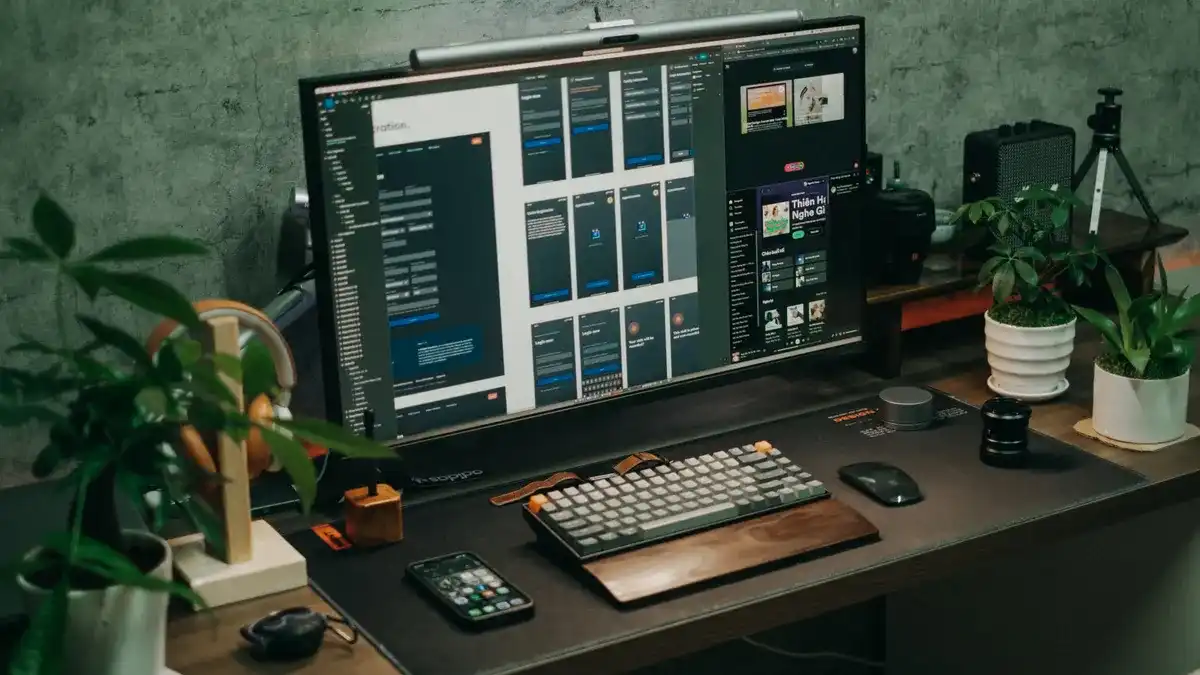
Figma Component Architecture for Product UI — The Complete Guide
Figma component architecture for product UI — The Complete Guide: Figma component architecture for product UI works best when one component family covers…

How to Design Figma Variant Properties That Last
For How to Design Variant Properties That Stay Manageable Over Time , most components should stay in the 2 to 4 property range, with the rest handled by…
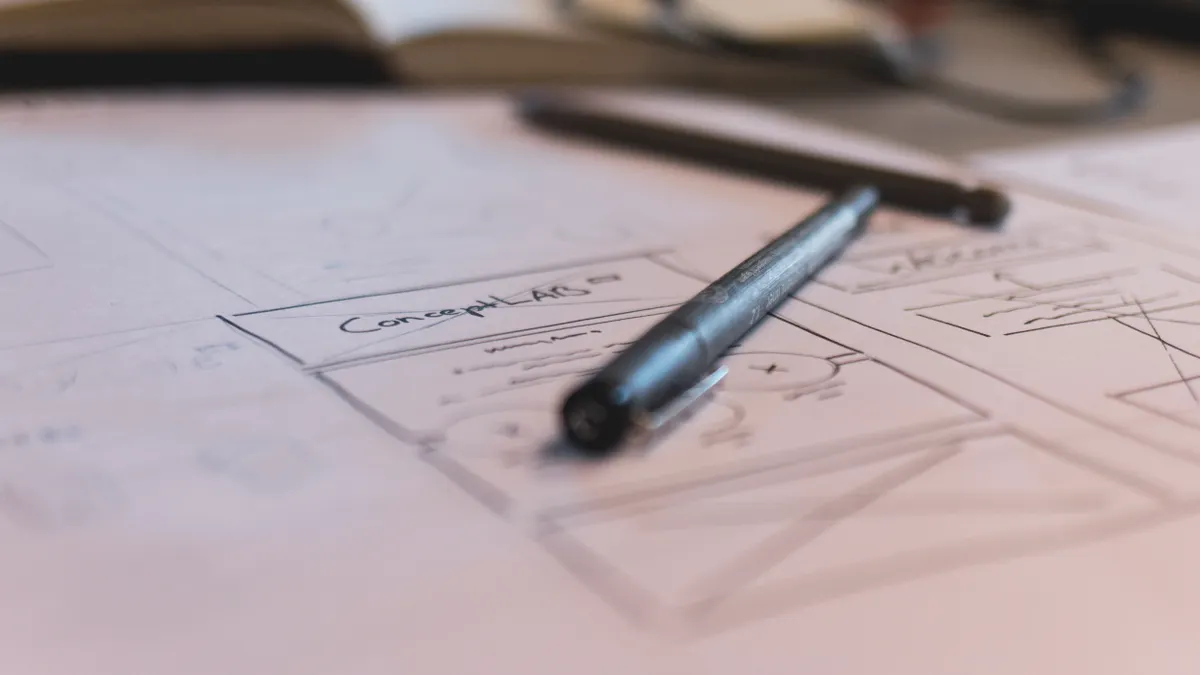
How to Plan a Figma Component Taxonomy Before You Build Anything
Planning a Figma component taxonomy before you build anything keeps your library from turning into a junk drawer. Quick answer: set the taxonomy first…
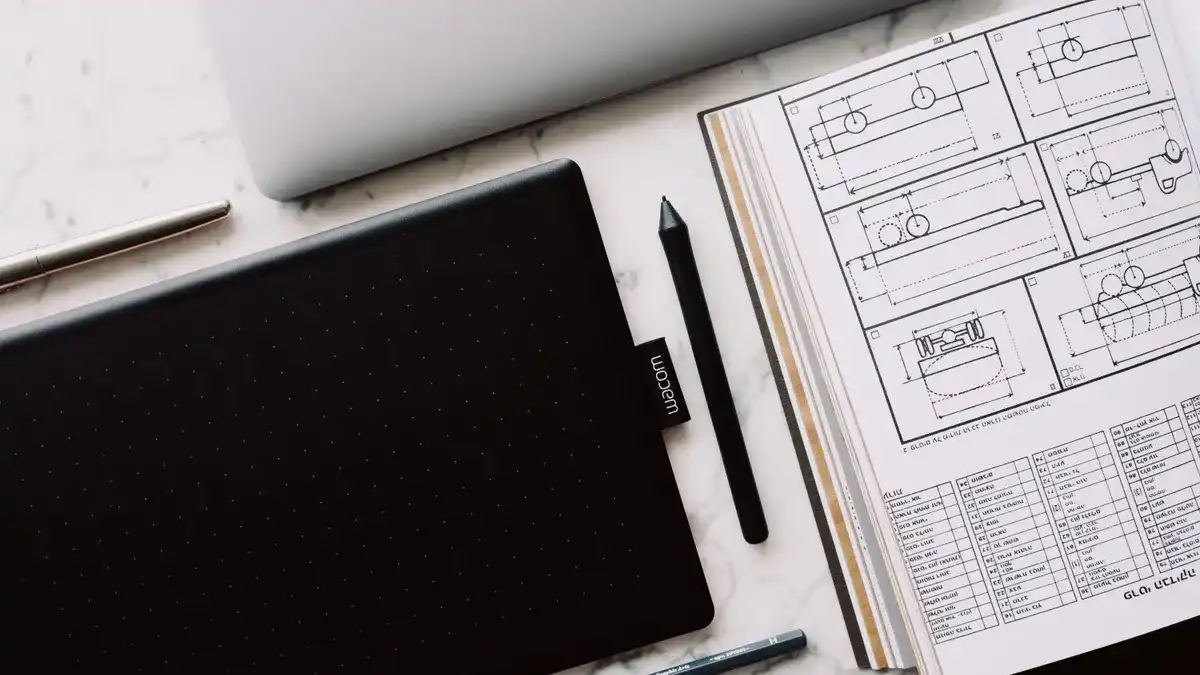
How to Set Up a Figma Intake Process for Design Requests
A messy design request queue wastes time in Figma and turns good work into guesswork. Quick Answer: set up one intake process with one form, one owner…

How to Make Dense Data Tables Responsive Without Losing Readability
Use the right responsive data table pattern for the job, not a single universal fix. For dense tables, that usually means one of four choices: horizontal…

Responsive UI Systems and Layout Foundations
Responsive UI systems and layout foundations keep one interface usable across phones, tablets, laptops, and wide screens by tying layout to flexible rules…

How to Design Empty States for Small Screens and Tight Layouts
Empty states on small screens need one clear message, one clear action, and very little else . How to Design Empty States for Small Screens and Tight…
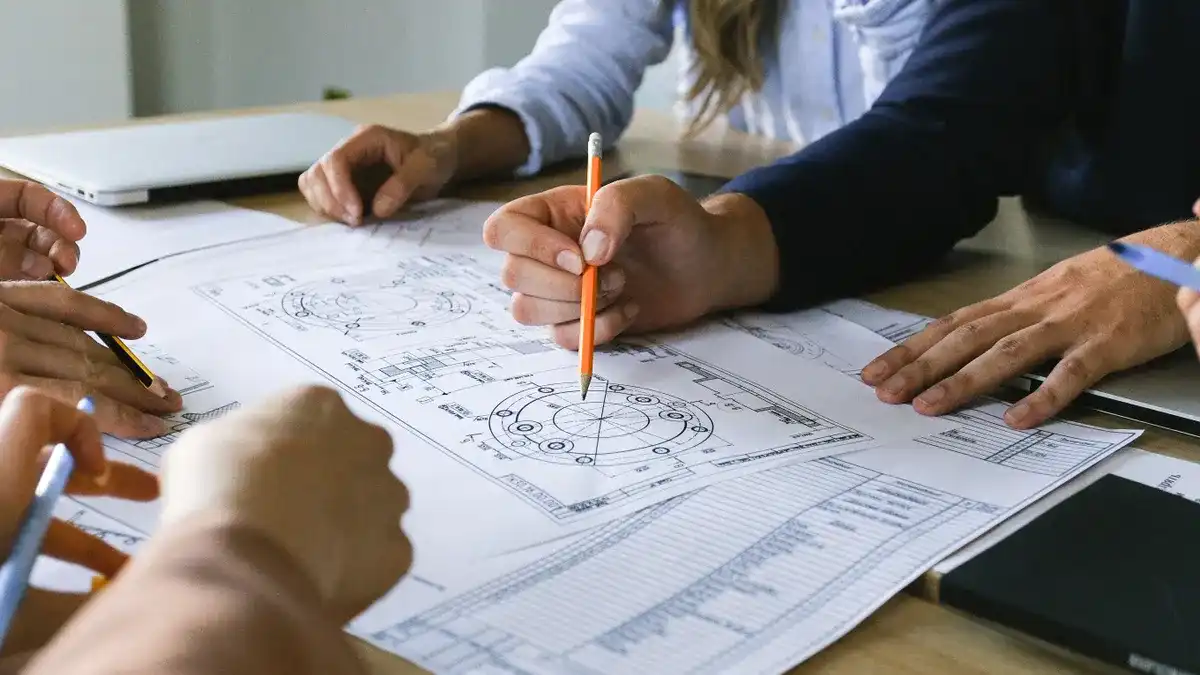
How to Use Figma Comments for Clearer Design Feedback
How to Use Figma Comments for Clearer Design Feedback: use one Figma comment per issue, attach it to the exact frame or layer, mention only the owner who…